

Slax 9.6
-
Available software
-
Creativity & Inventing
-
Daily Use Purposes
-
Stability & Bugs
-
Customizability
Summary
Slax is very special in its design and purpose. If you are someone who changes their computer on regular basis, or someone who needs to have a portable OS in his pocket all the time, then Slax is the perfect choice for you.
Slax is a portable Linux distribution that runs from USB, it aims to create a modular, modern and lightweight Linux distribution which can be carried anywhere in a USB stick. It’s also Debian-based, which allows you as a user to access tons of packages provided by Debian using the apt command.
Slax 9.6 was released last November. So we downloaded the latest release and tried it, our experience with it was great so far, see our review below for a detailed tour in Slax.
Slax Linux Review
Slax 9.6 is only 260MB in size, making it one of the smallest Linux distributions out there. Downloading it on a fast Internet connection shouldn’t take more than 10 minutes.
However, Slax is a little bit unique in that it doesn’t require (and shouldn’t) be burned on USB sticks using traditional programs and methods, but rather, you should format your USB stick using the Ext4 filesystem, and then just extract the contents of the ISO file into the USB stick. Finally, you should run a script called bootinst.bat located in the /<usb_name>/slax/boot/ folder in order to setup the bootloader properly.
We are mentioning this information because it took us a while to figure out why Slax wasn’t booting up after burning it using a traditional ISO image burner, turns it out it needs special treatment!
Anyway, after booting up from the USB, Slax offers 3 various modes for you:
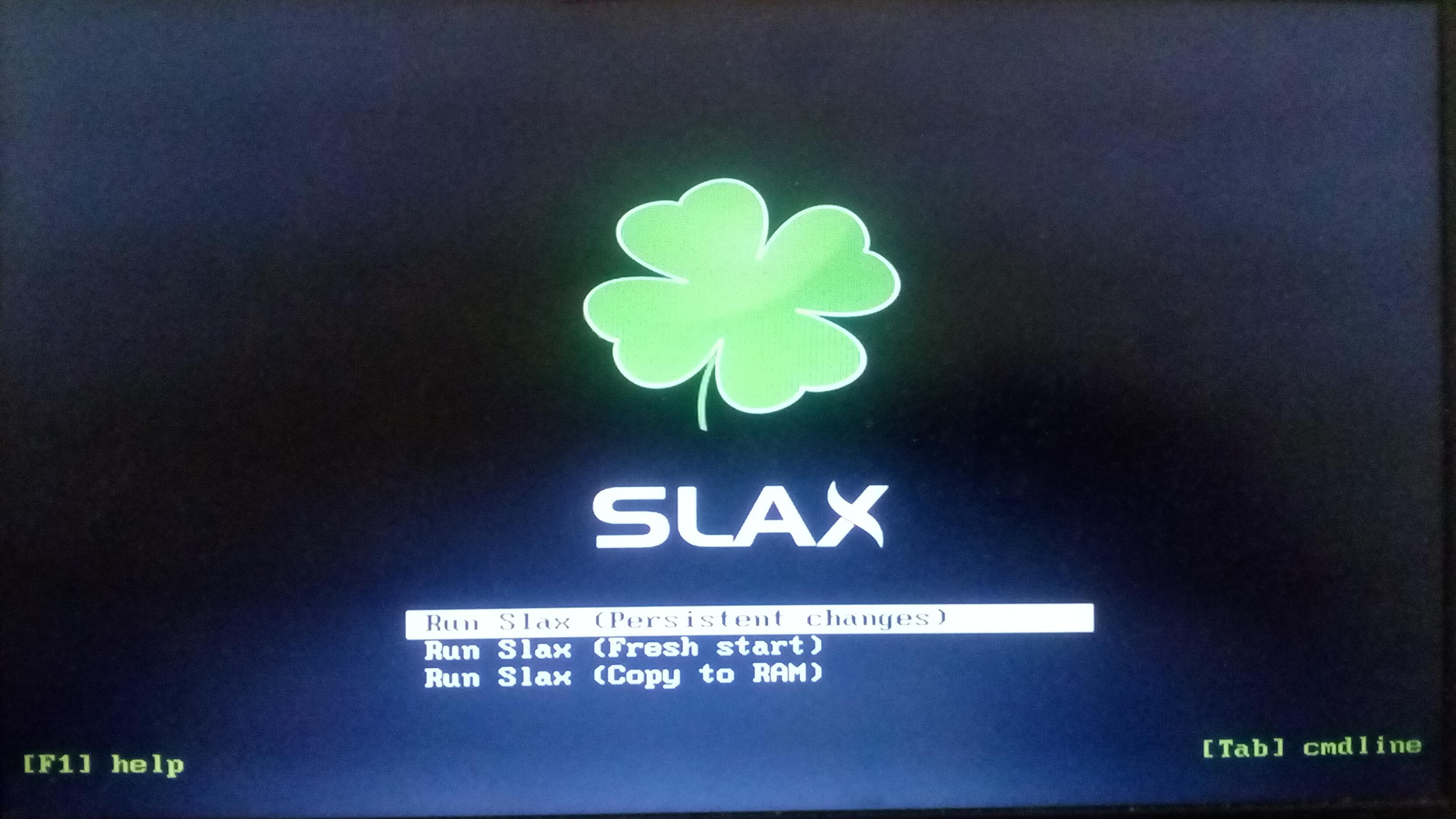
- Persistent Mode: Keeps all your changes and files that you do saved all the time. Even when you unplug/plug the USB stick over and over again, you’ll always find your modifications and software you installed there, just like you left them.
- Fresh Mode: Start a new beginning and delete all changes done previously.
- Copy to RAM Mode: Unlike the previous two modes, which will boot the system from USB and work on it there, this mode will copy the entire Slax system into RAM; Making it faster and smoother to work with. However, you won’t be able to save your changes if you use this mode (nor will you find changes done in the persistent mode).
We went with the persistent mode, which is the default, and we reached the graphical desktop:
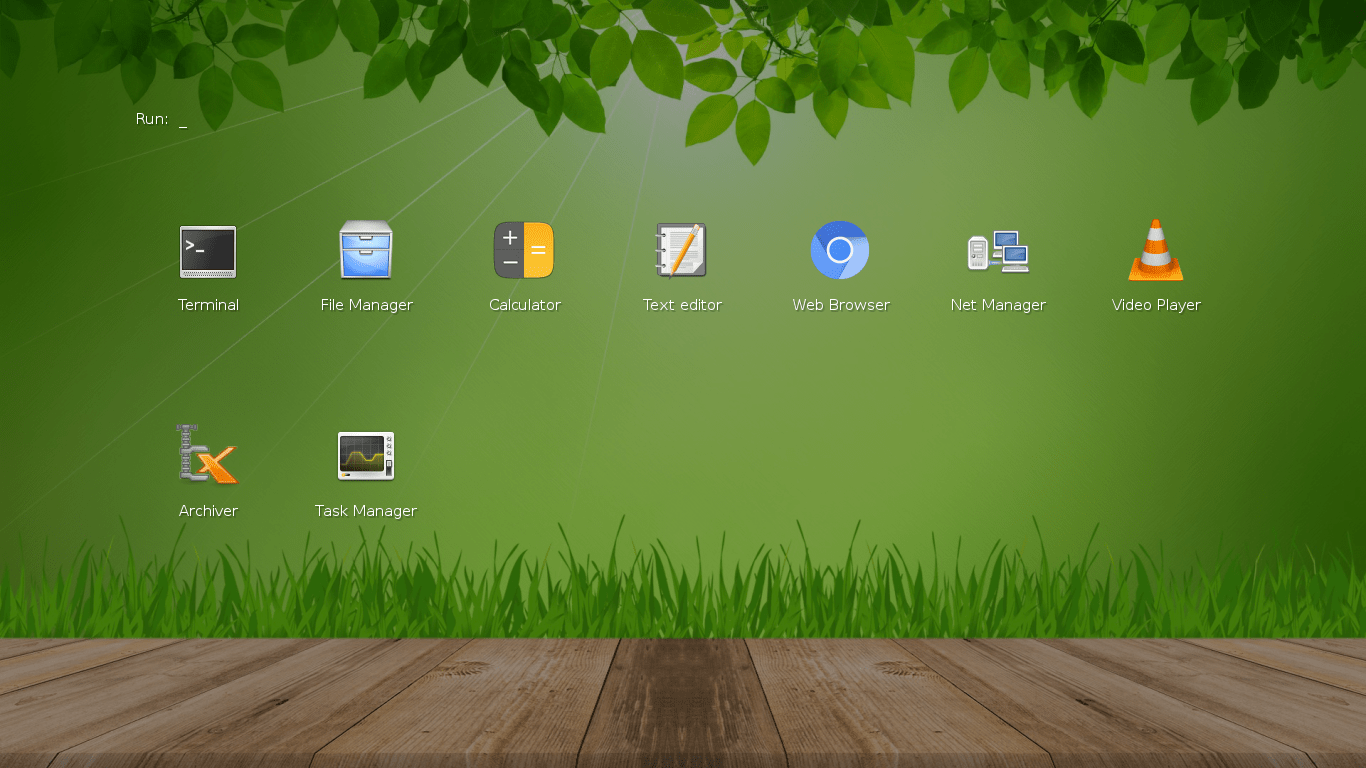
Slax Linux 9.6 comes with the Fluxbox window manager by default. This is to make the system as fast as possible, as well to make the ISO file as small as possible too. One of the good things is that Slax comes with the Wicd network manager by default, and also ships wireless cards drivers too. Unlike with its mother Debian 9, the Internet connection in Slax 9.6 can easily work in few seconds:
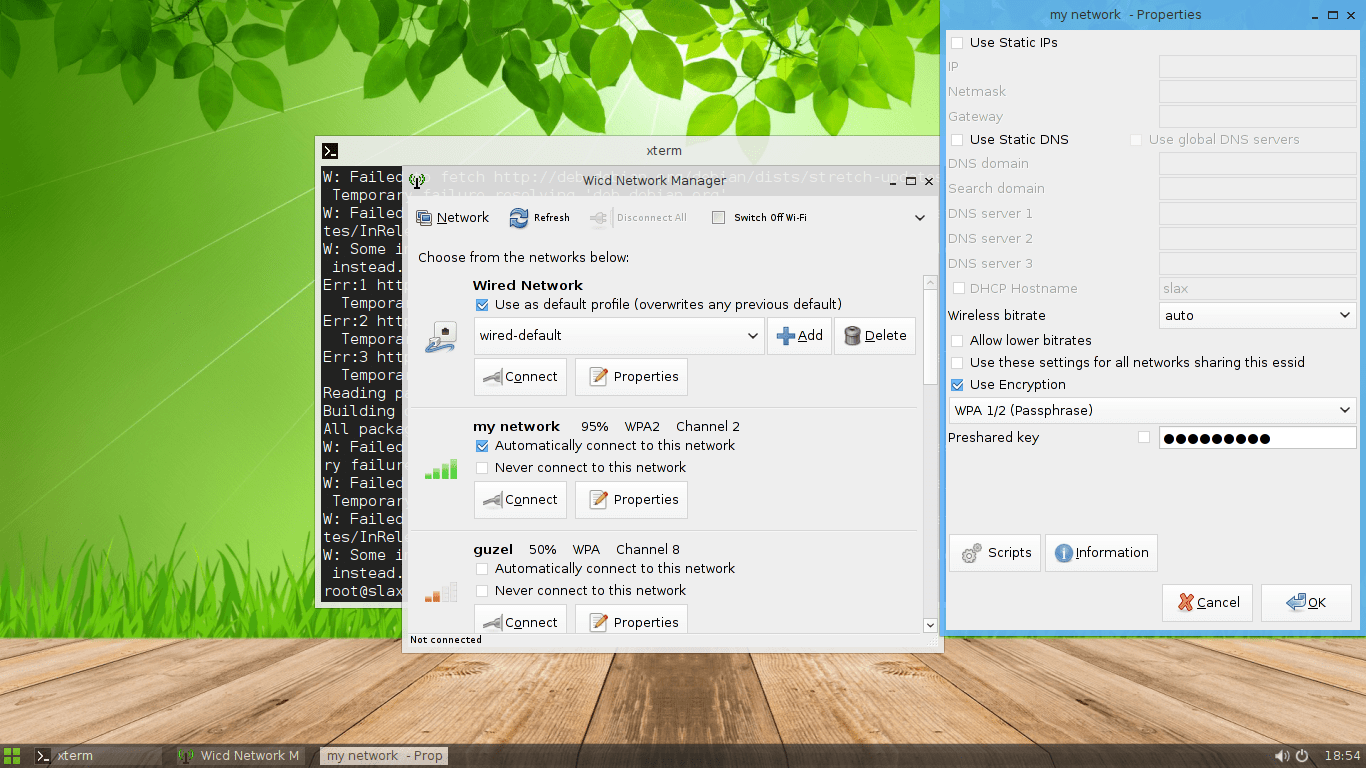
Slax also comes with the Chromium web browser by default too. This is a weird choice, because Firefox could’ve performed better on smaller and older hardware than Chromium, and would also consume less RAM from our experience. Yet, the distribution is capable of doing everything you may need to: Surf the web and do other stuff using the Terminal emulator:

One of the things we didn’t like, is that the distribution comes with the XTerm terminal. XTerm is hard to deal with, and doesn’t easily support copy & paste just like in GNOME terminal for example. It would’ve been better if another terminal emulator was installed there by default:
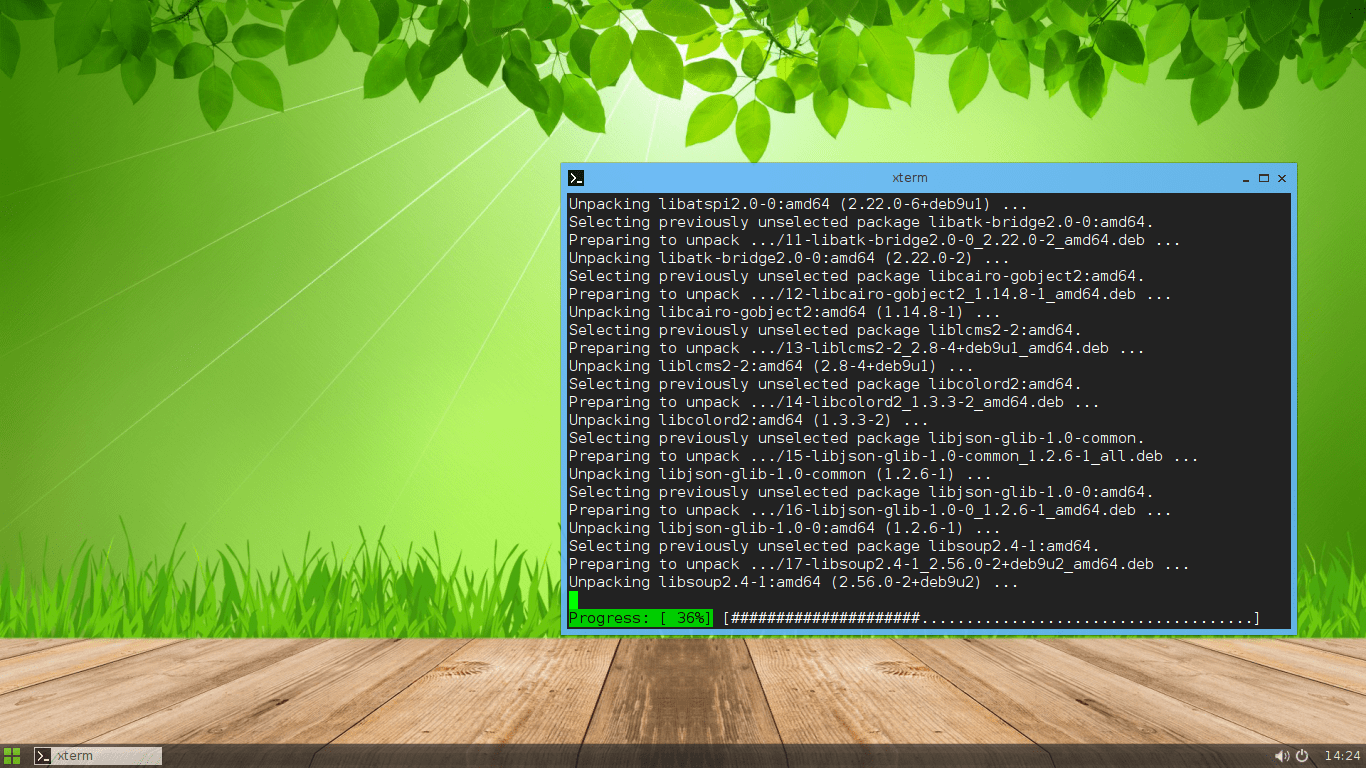
We noticed in general that the distribution is slow if you are running it from USB rather than using it from RAM. This is expected since we were running it on a USB 2.0 stick, but if you want to do a lot of tasks quickly, then you should definitely boot it using the “Copy to RAM” mode. It was a lot faster when running from RAM. Just make sure that you have enough RAM on your PC, otherwise you may face a problem when you run out of memory.
We didn’t like the default Fluxbox window manager, so we tried to install LXDE. We simply applied the following command to install LXDE and all its components on Slax:
apt install lxde
Then, to run LXDE, we applied:
./etc/X11/Xsession
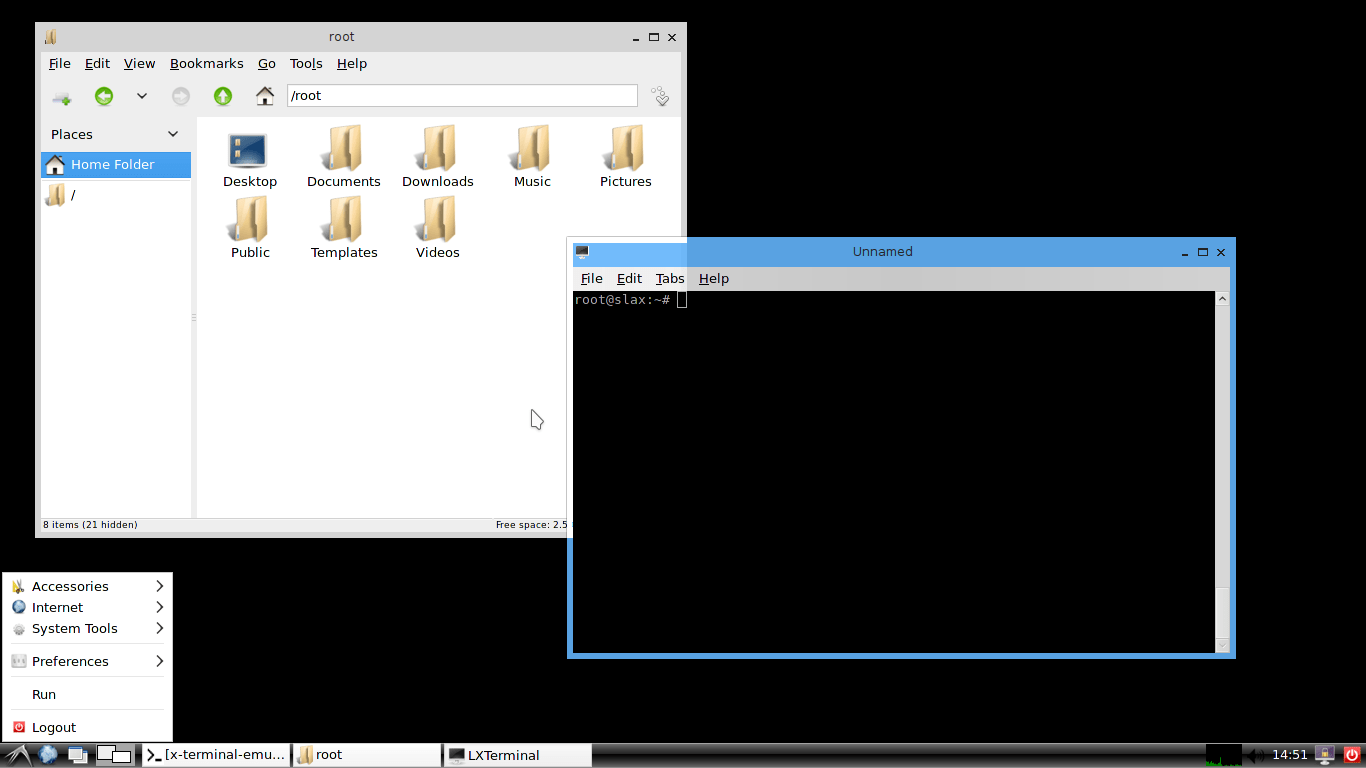
And we got a working LXDE desktop:
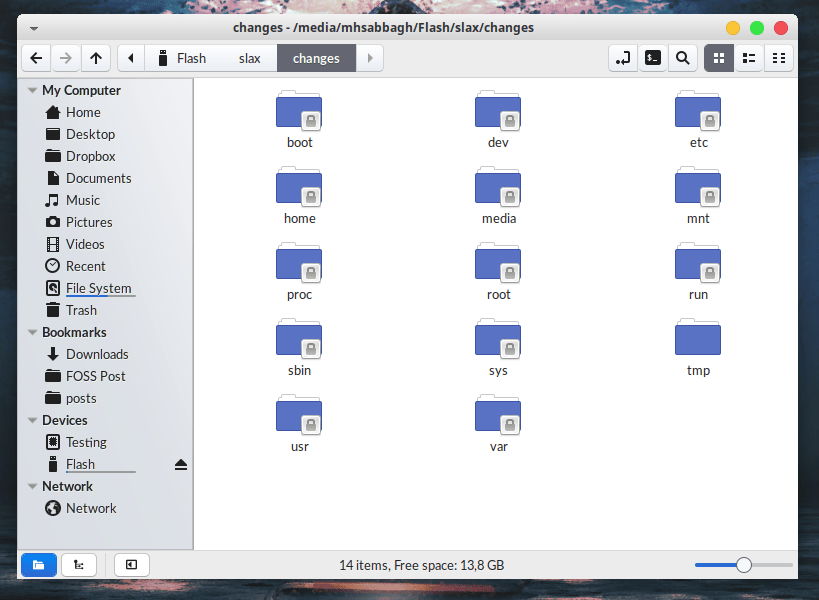
One of the nice things also about Slax, is that the changes you do are easily accessible later from anywhere else; If you boot into your hard disk’s original system, and navigate to the USB stick, you would be able to see all your saved files and modifications that you have done on the system inside the /slax/changes folder:
Booting Slax 9.6 from the USB stick took around 12 seconds:
root@slax:~# systemd-analyze
Startup finished in 6.972s (kernel) + 5.684s (userspace) = 12.657s
RAM consumption is around 250MB (empty desktop):
      total   used  free shared buff/cache available
Mem:  3389    245   2380    95     762       2823
Swap: 511     0     511
Slax 9.6 comes with the Linux kernel 4.9, you can see a complete list of installed Slax packages by default.
Slax, in this unique design and portability, allows users to have a complete Linux distribution in their pockets which they are also capable of customizing in every way possible. You could have your own system with all your special files, passwords, images, programs and everything else you need anytime you want. It is also possible that you create a new ISO image of your own modifications and files; So for example you could have multiple USB sticks, one for university, one for students, one for work.. And so on.
Conclusion
Slax is a very handful and customizable Linux distribution that runs directly from USB. The amount of effort put to make it portable and modular was definitely huge. While some default software choices may not be that much agreed upon, installing/removing whatever you need from Slax is very easy according to your needs.
You can download Slax from their main website, just choose the architecture you want.
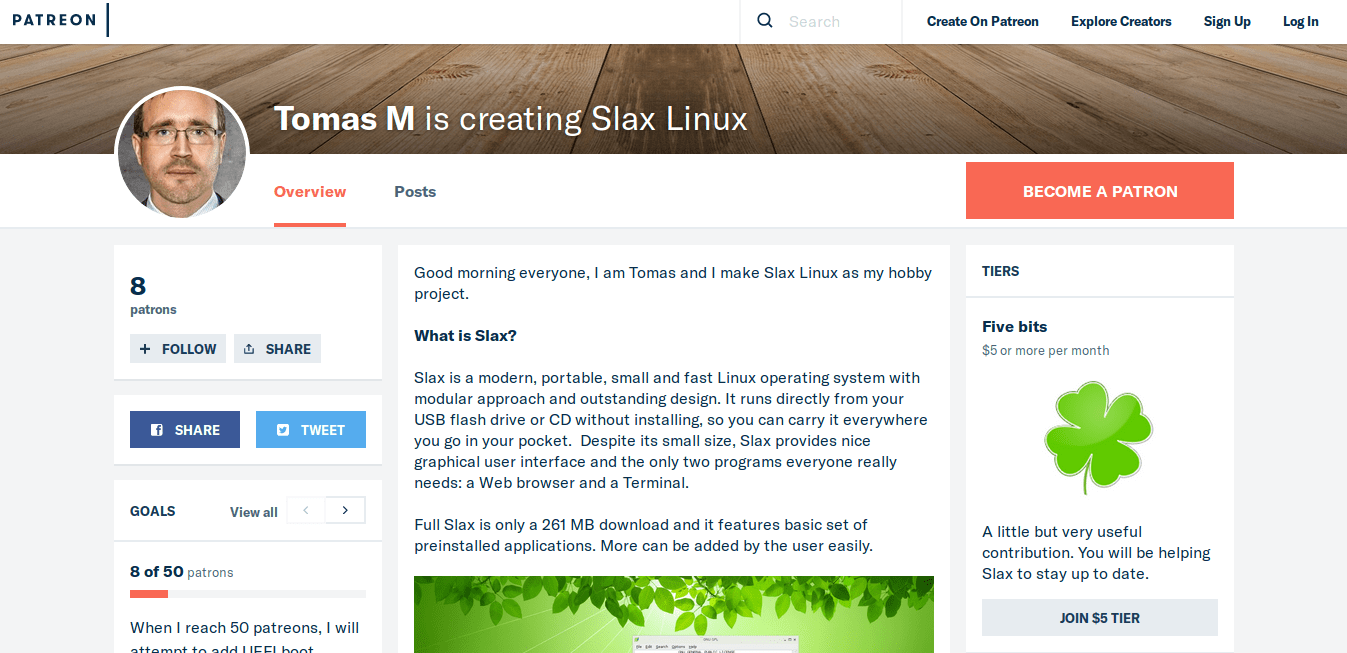
Sadly, while Slax fulfills a very niche in-need market, there are only 8 people currently supporting it on their Patreon:
If you find Slax useful, and if you would like it to continue to exist, then consider supporting the developer with your money.
What do you think about Slax? Would you consider using it in the future? Share us your thoughts in the comments.
Slax 9.6
-
Available software
-
Creativity & Inventing
-
Daily Use Purposes
-
Stability & Bugs
-
Customizability
Summary
Slax is very special in its design and purpose. If you are someone who changes their computer on regular basis, or someone who needs to have a portable OS in his pocket all the time, then Slax is the perfect choice for you.
